Ventor App FAQ
Every day we receive a dozen emails with different questions, requests, and wishes. Thank you for being actively involved in our project! We decided to collect all frequently asked questions in one place. Let’s go!
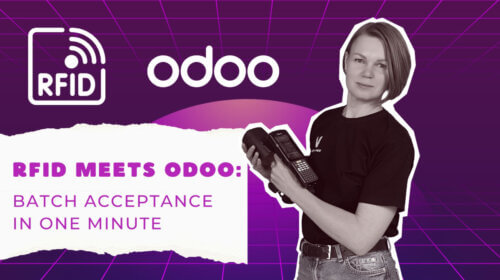
If you manage large inventory volumes, want to reduce manual counting errors, have a complex warehouse setup, or need precise tracking for high-value items, RFID technology could be a perfect fit. RFID excels in industries like retail, manufacturing, logistics, healthcare, and automotive. Not sure? We’re here to help! Our Ventor PRO RFID solution is fully…
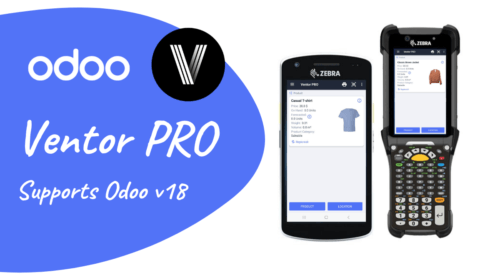
Exciting news for our Ventor community! 🎉 Ventor is now ready to roll with the brand-new Odoo v18. It’s just our way of making sure you’ve always got the coolest tech at your fingertips for managing your Odoo inventory. What This Means for You Immediate Compatibility: As soon as Odoo v18 hit the market, Ventor…
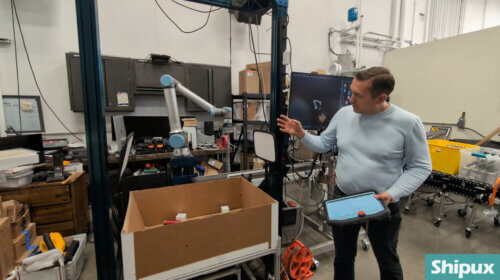
Thomas Dauksys, the owner of Shipux LLC in the Greater Chicago Area, Illinois, runs an FBA prep service that caters to Amazon sellers and e-commerce businesses. His company, Shipux LLC, is an experienced FBA prep center that handles everything from receiving to inspecting, labeling, and packaging inventory. This allows sellers to focus on growing their…
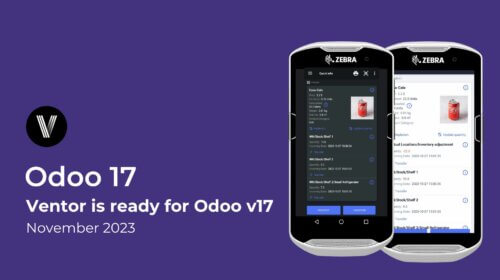
Hello Ventor Users, We’re thrilled to share the latest update – Odoo v17 has just hit the market, and we’re proud to announce that Ventor is already compatible with it. Your inventory management solution is always ahead of the curve. To dive into the Odoo v17 experience, please ensure you’ve updated Ventor to the latest…
In this article we are going to show you how to do an instant inventory of any product in your Odoo warehouse. This article will be useful if you need to do an initial inventory, cycle count or just update any product on the go. Also, we recorded a video, and you can watch it…
In this article you will see how to receive items using Ventor – Odoo inventory mobile app. Basic receiving, changing default location (put away), adding a barcode for a product from a barcode scanner, lots and SN management, putting on pallets (packages). Also, we recorded a video, and you can watch it on our YouTube…
We already experienced implementing GS1 barcodes in Ventor (Odoo Inventory mobile app) for some of our customers and were going to release this feature in our generic app. And the Odoo v15 release forced us to do it now 🙂 Now, using Ventor, you can read GS1 barcodes in Odoo v11 and higher (Community and…
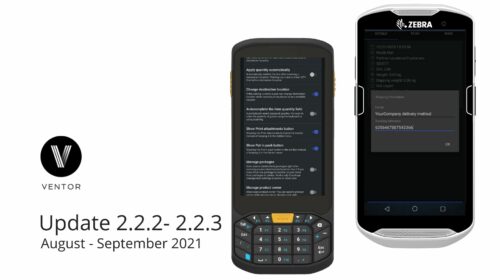
The new update of the Ventor app (Odoo inventory app for Odoo Community and Enterprise), version 2.2.3 (1.8.3 on Google Play), is here. Update your app to the latest version to get new features. Get Ventor for free for 14 days if you haven’t had a chance to test the app yet. WHAT’S NEW? Release…
The new update of the Ventor app (Odoo inventory app for Odoo Community and Enterprise), version 2.2.1 (1.8.2 on Google Play), is here. Get Ventor for free for 14 days if you haven’t had a chance to test the app yet. Update your app to the latest version to get new features. WHAT’S NEW? Release…