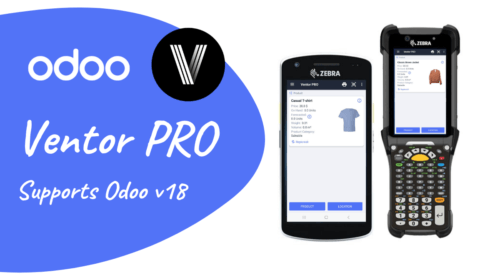
Ventor PRO supports Odoo v18

Exciting news for our Ventor community! 🎉 Ventor is now ready to roll with the brand-new Odoo v18. It’s just our way of making sure you’ve always got the coolest tech at your fingertips for managing your Odoo inventory.

What This Means for You

  • Immediate Compatibility: As soon as Odoo v18 hit the market, Ventor was ready to go. No waiting, no delays
  • Access to New Features: By updating Ventor to the latest version, you’ll be able to connect with your Odoo v18 instance and manage your warehouse
  • Continued Support: We’re here to ensure your transition is smooth. If you encounter any issues while using Ventor with Odoo v18, please report them here, and our team will swiftly address them
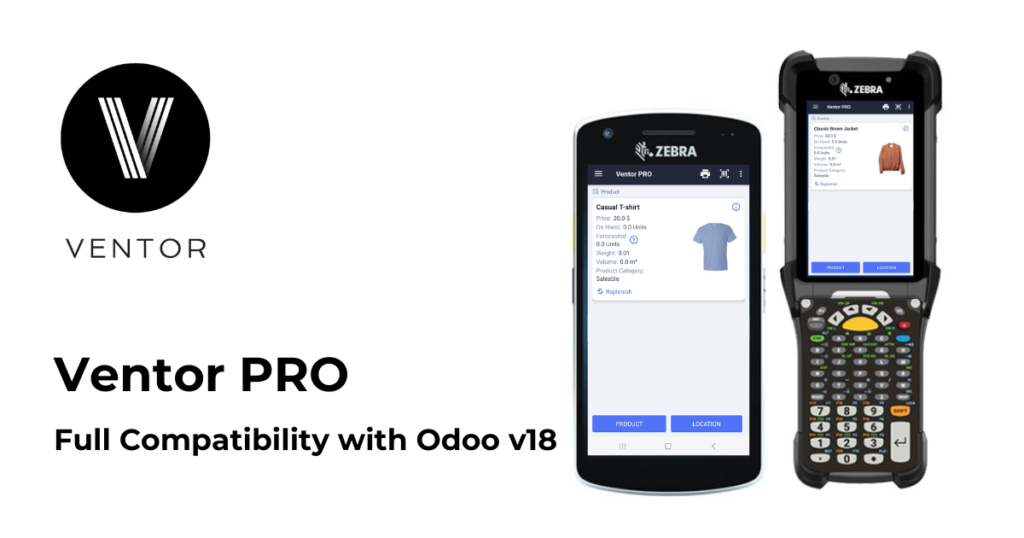
Ventor Compatibility

  • Odoo Versions: Compatible with Odoo 8-18 (latest three versions get updates)
  • Editions & Hosting: Supports Community and Enterprise editions, all hosting options (Odoo online, Odoo.sh, Odoo on-premise)
  • Legacy Support: Available for Odoo 8-15 (some features may be limited)
  • Devices: Works with Android 5.0+ devices (handheld computers, RFID scanners, mobile phones)

Stay Ahead with Ventor PRO

By choosing Ventor, you’re not just selecting an inventory management solution—you’re partnering with a team dedicated to boosting your efficiency and minimizing downtime. Benefits for your business: 

  • Use Ventor from the very first day of the Odoo 18 release. No waiting required
  • No need for time-consuming code migration. Your workflow continues uninterrupted
  • Skip the expense of buying separate modules for the fresh version. Ventor has you covered
  • Simply log in to your v18 instance and get to work. It’s that easy

Thank you for being part of the Ventor community. Together, let’s embrace the power of Odoo v18 and take your inventory management to new heights!
The Ventor app Enhances Amazon’s FBA Prep Service in Chicago

Thomas Dauksys, the owner of Shipux LLC in the Greater Chicago Area, Illinois, runs an FBA prep service that caters to Amazon sellers and e-commerce businesses. His company, Shipux LLC, is an experienced FBA prep center that handles everything from receiving to inspecting, labeling, and packaging inventory. This allows sellers to focus on growing their business instead of getting bogged down in tedious logistics.

Shipux’s warehouse operations had become too complex to manage manually, necessitating the integration of barcode processes for receiving, inventory management, picking, and shipment. The standard Odoo barcode app did not smoothly handle 3PL-related operations, which involved managing goods from multiple product owners. 

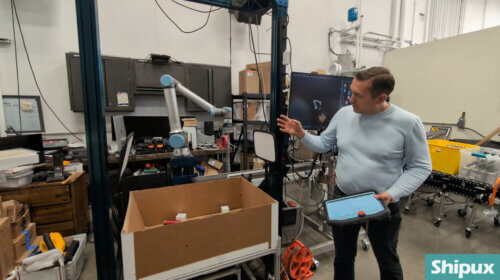
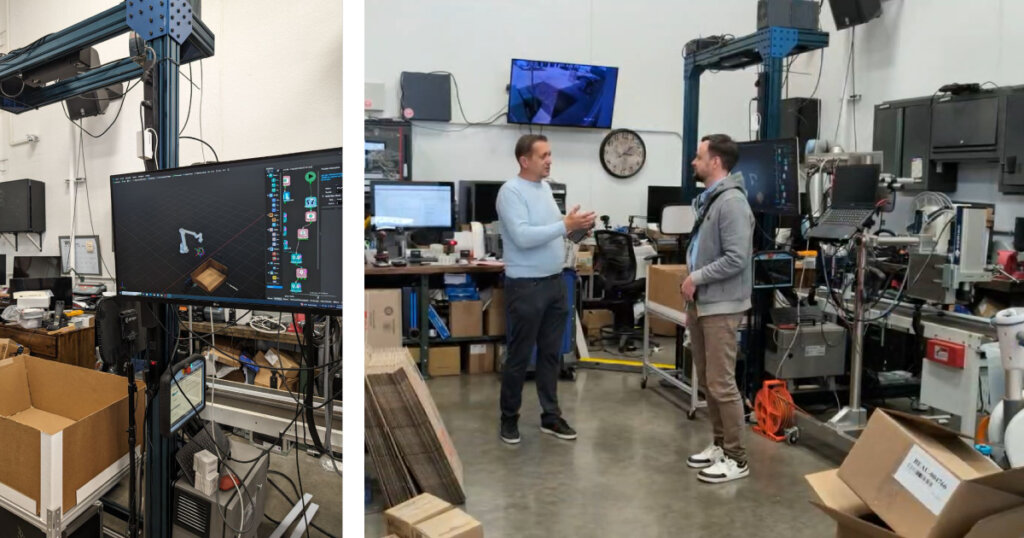
Thomas Dauksys, the owner of Shipux LLC, and VentorTech CEO Oleg Kuryan

In 2020, Thomas began improving his business with VentorTech. Shipux LLC utilizes the Odoo system and have integrated the Ventor PRO app (Odoo barcode scanning software) with their scanners.

Thomas reports that Ventor has greatly improved their efficiency by reducing overall time spent on picking, packing, and barcode scanning. 

Talking about hardware, Thomas uses Zebra scanners such as MC9300 and TC7X that communicate with Odoo using Ventor, and Zebra printers such as ZT400 to print shipping labels.

BTW, you can instantly print Odoo shipping labels via the Odoo Direct Print PRO app.

Thomas highly recommends the Ventor app to anyone using Odoo for warehouse management. According to him, the software has significantly enhanced their warehouse operations.

Looking ahead, Thomas plans to expand Shipux LLC with the help of Odoo and the VentorTech team. Currently, Shipux LLC operates out of a 5,000-square-foot warehouse but aims to move to larger facilities, ultimately targeting a 100,000-square-foot space. He believes that with the right technology from VentorTech, they will achieve this growth quickly. For businesses seeking to enhance their e-commerce solutions, Thomas suggests considering Odoo and VentorTech for their easy integration and efficiency improvements.

You can watch the video version of Thomas’s feedback on the VentorTech YouTube channel.

Reduce your time spent on picking, packing, and barcode scanning in Odoo:

Recommended articles:

  1. Receiving goods in Odoo via a barcode scanner: Receive, putaway, manage lots, serial numbers, packages
  2. Make Odoo inventory quickly and accurately using Ventor app
  3. Ventor App FAQ
Exit mobile version